PC Software Monitoring:
Does your child play video games longer then you'd like?
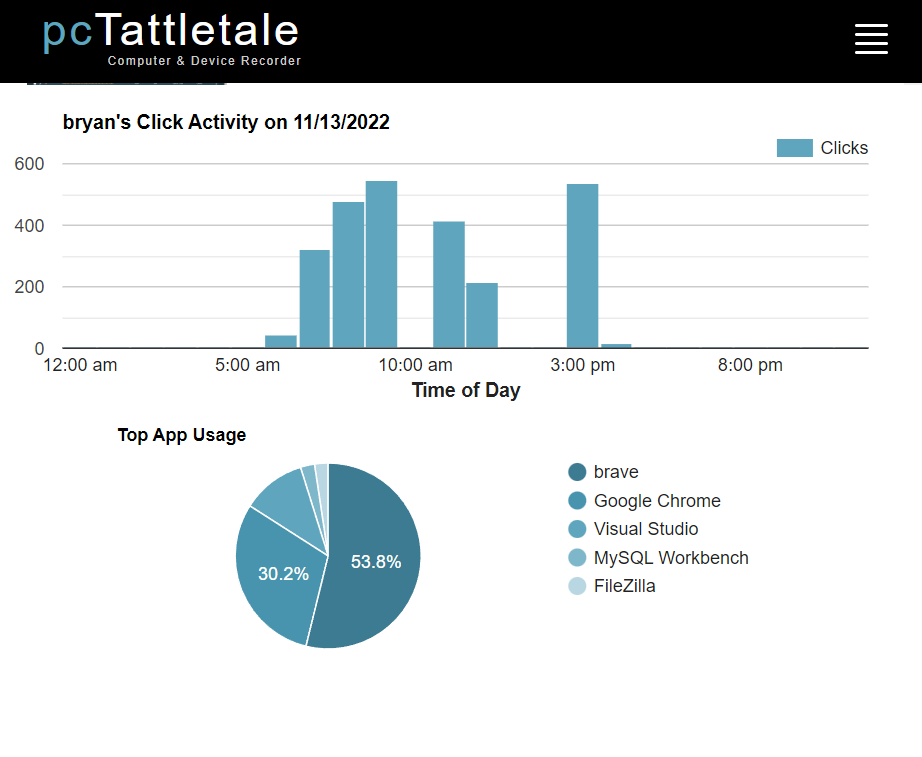
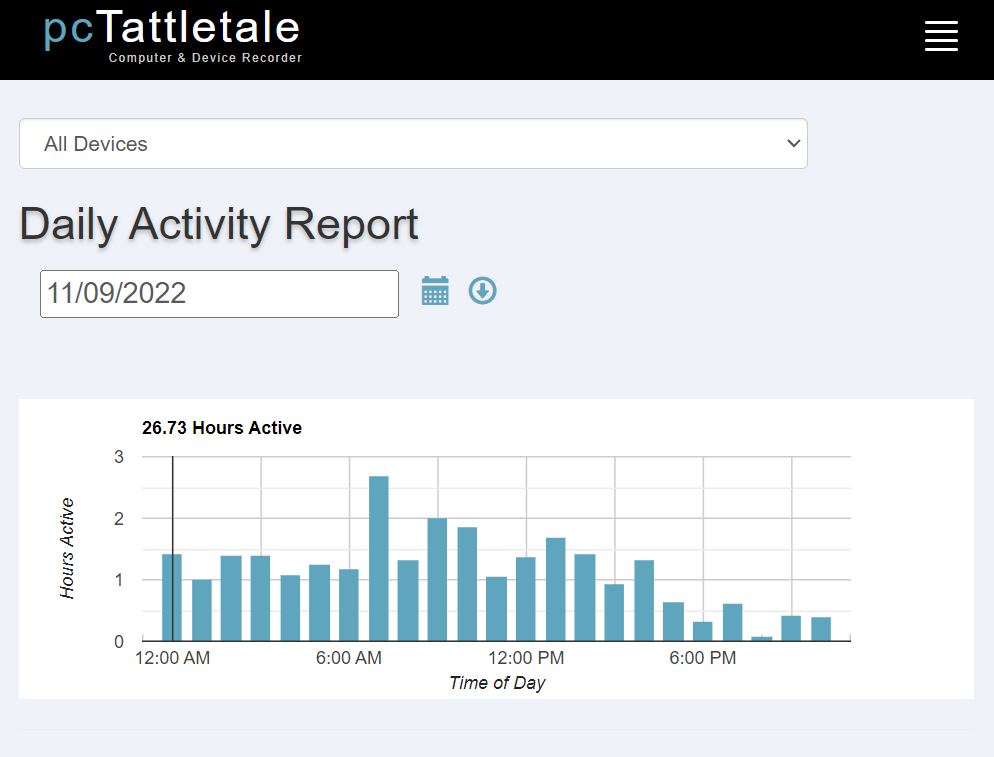
Using PC Tattletale to monitor your child's online and PC activity you'll have a record of every program (or application) run used by your child when they are using the computer.
-
PC Tattletale records the name of each program, when that program was started and how long the program was active.
-
PC Tattletale even tells you WHICH windows were opened and USED. This "Windows Activity Log" lets you see all of the windows open up and used.
-
The PC Tattletale Program & Application Recorder allows you to quickly see every single program used by your children and take action if necessary.
For example what if they downloaded a new program or game that you don't want on that machine?
![]()
With PC Tattletale you'll see what they did and which programs have been used or ADDED to your child's computer. Using PC Tattletale you'll see:
-
Every software program used or installed.
-
The day and time the software programs were launched.
-
The the total amount of time a software program was "Active."
-
Which Windows user logged on when the application was started.
You can even save the logs of the all the applications run to a Excel or .cvt file for your own records or to use as "proof" that your child was online when they shouldn't be.
Our Promise To Parents Is Simple:
PC Tattletale will give you valuable insight into your child's behavior online, and the peace of mind to know exactly where they are surfing online & what kind of content they are trying to access. If not, return it for a full refund.
PC Tattletale is backed by our 100% money back guarantee!
Take control of your child's online experiences and keep them safe.
WHAT ARE YOUR CHILDREN DOING ONLINE? Order your copy of PC Tattletale today. |
Note: Your purchase of one (1) PC Tattletale registration key lets you
use the software on TWO computers at NO extra charge!